
Against the setup.
Not against a name.
The real alternative is the arrangement most people already have: a chat app, an editor agent, an image tool and a notes app, with you carrying context between them.
What changes
when it is one runtime.
Context
The setupEach tool starts from nothing. You carry the brief between them by pasting.
VectorBrainOne project brief rides every turn of every conversation in the project. How.
History
The setupOne history per tool, and none records what the others did.
VectorBrainOne journal. Your actions and the agent’s are rows in the same list, with the input each ran. How.
Permission
The setupA different permission model per tool, or none.
VectorBrainOne check in code on every command, whoever calls it. How.
Undo
The setupPer app, and usually gone when the tab closes.
VectorBrainA command off a journal row, so it survives a restart. Only for commands that declare an inverse. How.
Models
The setupEach tool tied to its maker’s models and subscription.
VectorBrainAny model your OpenRouter key reaches, chosen per conversation. How.
Cost
The setupSeveral monthly subscriptions, each metered its own way.
VectorBrain$25 once, plus what your provider charges for the models you run. How.
Your data
The setupSpread across several companies’ servers.
VectorBrainFiles in your folders and a local database. Nothing goes to VectorBrain. How.
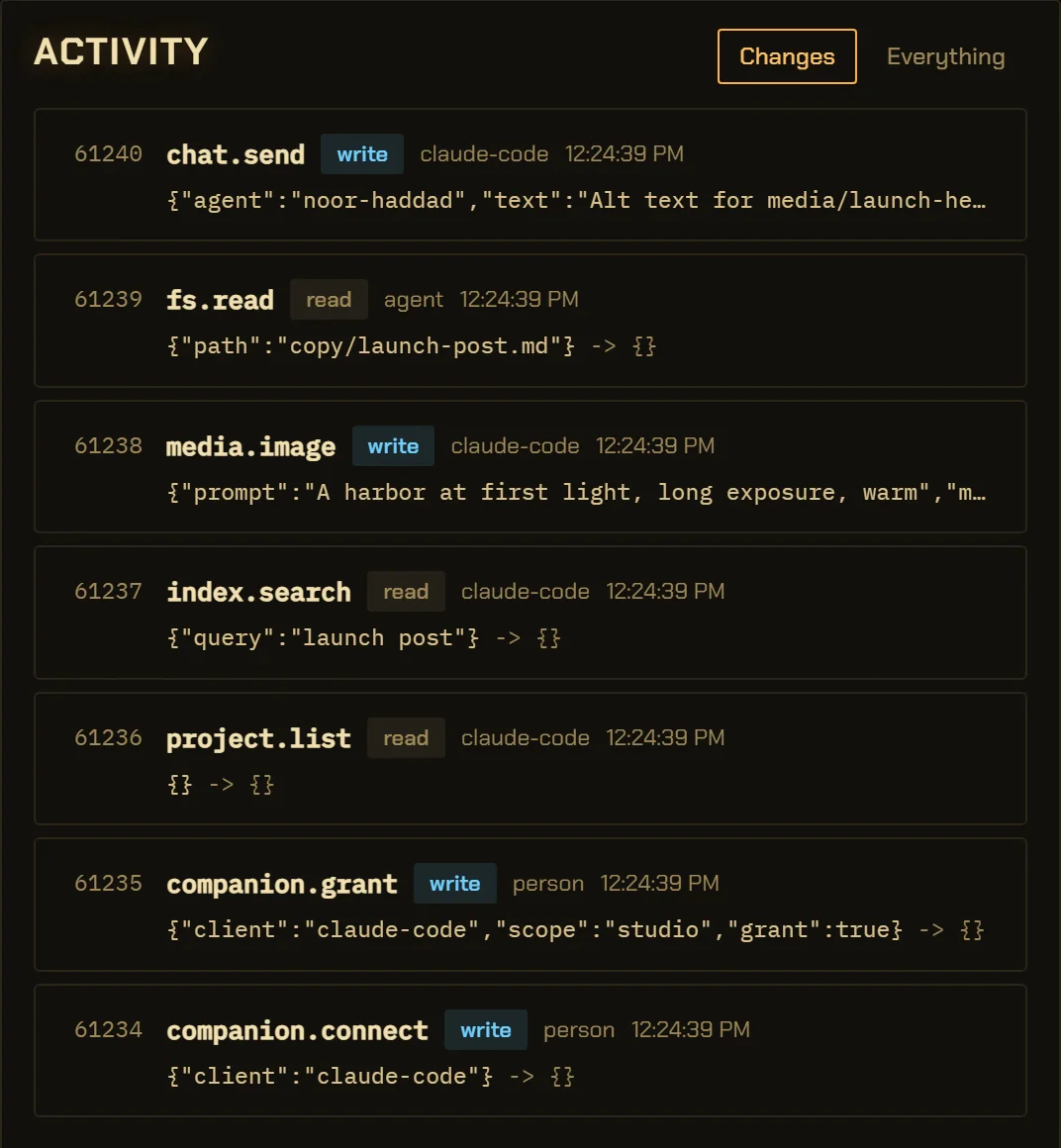
One history, whoever acted.
The person, the app’s own agent and an outside editor agent all land in one numbered list, each row with the input it ran.
Keep your editor agent.
If you live in Claude Code, Codex, Claude Desktop or Antigravity, keep it and point it at VectorBrain. The request shows up here, marked with where it came from.
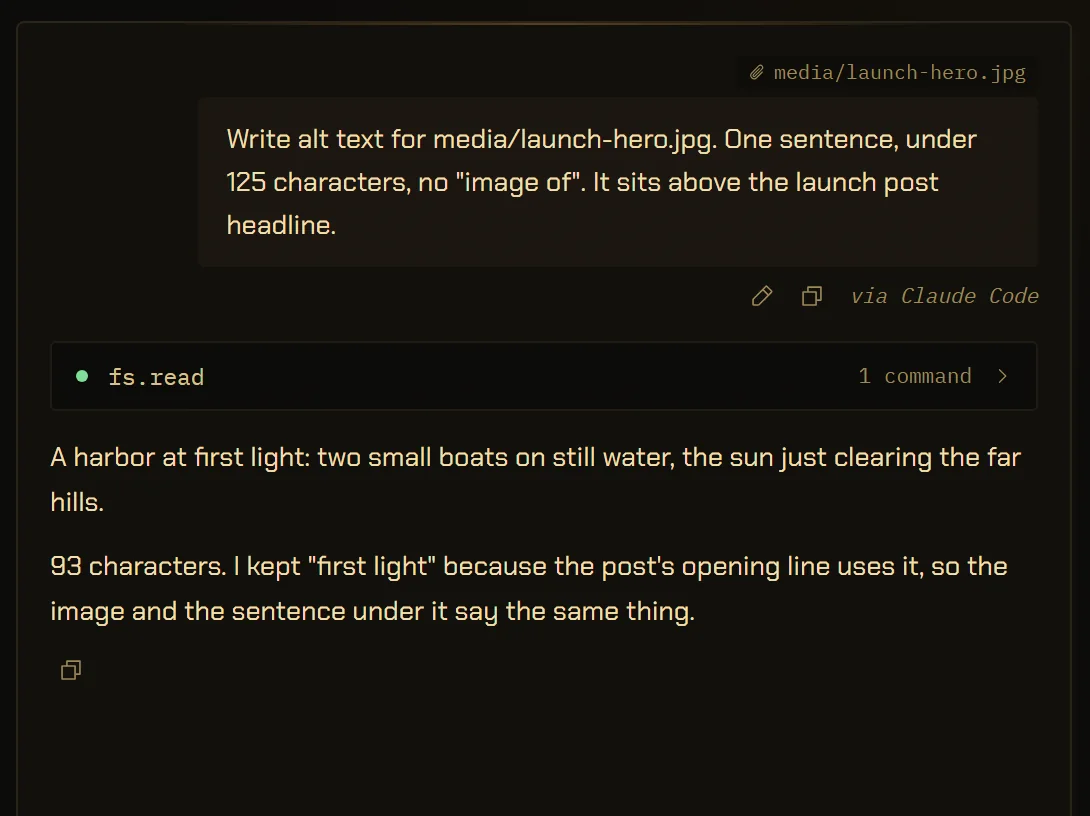
Write alt text for media/launch-hero.jpg
- runs with your PC off
- runs on a Mac
- syncs across devices
- has a track record
Hosted tools keep going when your computer is off; this does not. It is Windows only for now, has no server to sync through, and has shipped to nobody yet.
The details,
for the careful.
Can VectorBrain replace a chat app, an editor agent and an image tool?
It covers chat, documents, images, video, sound and code in one app with one brief, one journal and one permission check. If you already rely on an editor agent, you can keep it and connect it instead of replacing it. The companion
What does the usual setup do better?
Hosted tools run while your computer is off, work on a Mac, a phone or a browser today, and sync between devices. VectorBrain is Windows only, runs nothing while the computer is off, has no sync, and has not been released yet.
Does VectorBrain use its own AI model?
No. It uses any model your OpenRouter key reaches, and each conversation carries its own choice. Models
Is it cheaper than several subscriptions?
VectorBrain costs $25 once, and your provider bills model usage at published rates. Whether that is less than your subscriptions depends on how much you run models, so this site gives no figure. Pricing
Can I bring my notes?
Yes. VectorBrain’s memory is Markdown in your folders, and an Obsidian vault opens as it is, with its [[links]]. Knowledge
Why does this page not name competitors?
This site only makes claims about VectorBrain’s own build. The left-hand column describes a common arrangement, not a product, and your own setup may be better than it.